
This Free AI Tool Does More Than Just Translate—Its 6 Most Powerful Features Revealed
We’ve all hit the digital language barrier. You find a fascinating website, a must-read article, or a compelling comic, only to discover it’s in a language you don’t understand. The usual next step involves a clumsy process of copying and pasting chunks of text into a separate translator, breaking the flow and making the experience awkward.
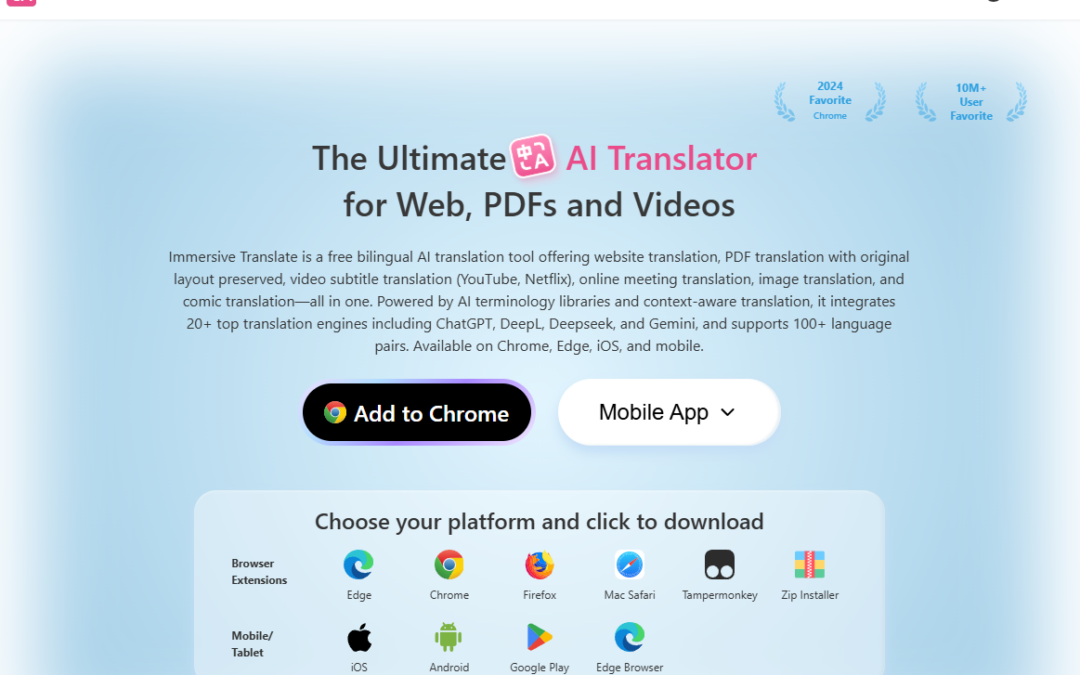
This is the exact problem Immersive Translate, a free, AI-powered tool used by over 10 million people, was built to solve. It works directly in your browser to make language barriers disappear. But beyond simple webpage translation, some of its most powerful features are completely unexpected.
“We’ve all been there: stumbling across an interesting website, a must-read article, or even a comic, only to realize it’s in a language we don’t understand. Instead of copying and pasting chunks of text into a translator, wouldn’t it be great if everything could be translated instantly, right where you need it? That’s exactly what Immersive Translate does.”
Choose Your Translation Engine
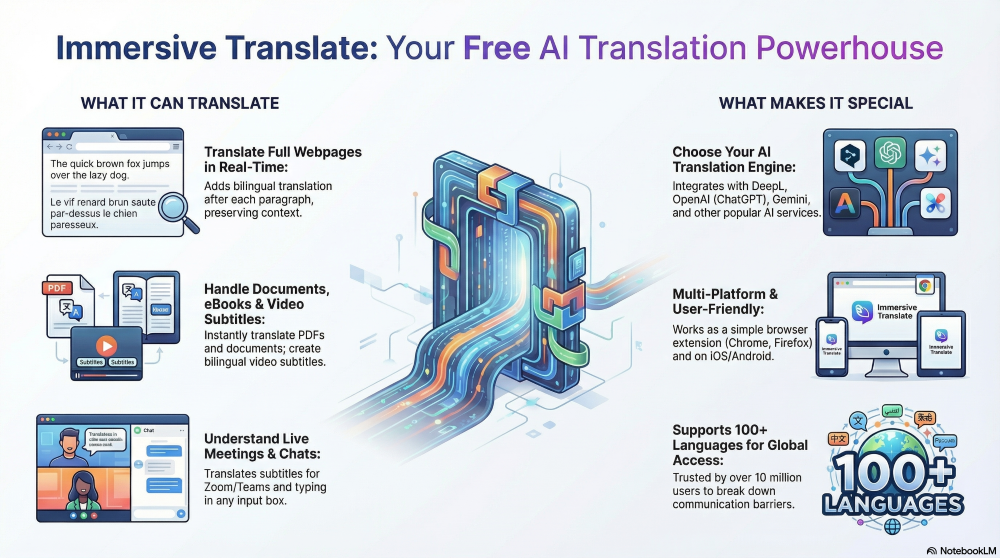
One of the most surprising features of Immersive Translate is that it doesn’t lock you into a single translation engine. Instead, it puts you in control, allowing you to choose the AI that powers your translations. The platform integrates with a wide range of popular services, including Chat GPT, DeepL, Gemini, DeepSeek, Microsoft Translator, and Google Translate.
This is a critical advantage. Different AI models have unique strengths, and this feature gives you the power to select the best one for your specific needs, whether you’re prioritizing technical accuracy, conversational nuance, or a particular linguistic style.
“It’s like having multiple translation experts at your fingertips.”
Translate As You Type
Immersive Translate goes beyond passive reading with its “enhanced input box” feature. This powerful tool translates text in real-time as you type it into any input field on a website.
For example, if you need to use a tool like ChatGPT but want to write your prompts in Spanish, you first configure Spanish as your target language in the extension’s settings. Then, you can simply type in your native language, and Immersive Translate will immediately convert your text into Spanish within the input box before you even hit send. This dramatically saves time and removes friction when filling out forms, using international web apps, or participating in multilingual group chats.
Learn with a Bilingual Display
Instead of simply replacing the original text on a webpage with its translation, Immersive Translate uses a unique and thoughtful approach. When you translate a page, such as a Japanese Wikipedia article, the tool inserts the translated text directly after each original paragraph.
While this might seem counter-intuitive at first, it’s an incredibly powerful feature. It creates a bilingual reading experience that is ideal for language learners who want to compare sentence structures or for anyone who needs to reference the original text for context and accuracy. This thoughtful design choice, noted in the source as a particularly effective feature, makes the tool more than just a translator; it becomes a learning and verification aid.
Translate Entire Documents Instantly
The tool’s power extends far beyond live web pages. Immersive Translate can handle local files, allowing you to translate entire PDF documents and ebooks with just a few clicks. For students, researchers, and professionals who frequently work with documents in multiple languages, this capability is a game-changer.
The process is seamless. As the source material notes, “if I have a PDF document to translate I’ll just upload my file and boom in seconds I’ve got it completely translated.” This feature transforms Immersive Translate from a simple browser extension into a comprehensive document translation solution.
Get Live Subtitles for Meetings
Moving from static text to dynamic conversation, Immersive Translate breaks down communication barriers in live environments. The tool can generate real-time, bilingual subtitles for virtual meetings, ensuring you can follow along and understand everything that is being said, regardless of the language being spoken.
This feature is compatible with major platforms, including Zoom, Microsoft Teams, and Google Meet. It transforms how global teams collaborate, making international meetings more inclusive and effective for everyone involved.
Combine Simplicity with Pro-Level Power—For Free
Despite the advanced capabilities discussed, perhaps the most remarkable aspect of Immersive Translate is that it remains completely free and exceptionally easy to use. You don’t need any technical expertise to install the browser plugin and start translating. The design is intuitive, with no complicated setup or confusing menus.
This combination of accessibility and power is what truly sets it apart. The tool provides a seamless experience for casual users while offering enough advanced features, like API integration and engine selection, to satisfy the most demanding professionals.
“What really makes Immersive Translate special is how it combines simplicity with power… That’s honestly pretty rare in the translation tool world where you usually have to choose between ease of use or advanced features. Immersive Translate gives you both.”
A Final Thought
Immersive Translate proves to be much more than a simple utility. It’s a comprehensive ecosystem that makes the web feel truly global and accessible. By giving users the power to choose their AI engine, learn with a bilingual display, and seamlessly translate everything from web pages to local documents and live meetings, it provides a strategic advantage for anyone operating in a multilingual digital world. It ensures that language is no longer a barrier to information, communication, or collaboration.
https://immersivetranslate.com/en/